Edit with more control in Lightroom
My free 20-page guide shows you exactly how to use Masks to transform your photos without overcooking the edit.
Clear steps. Real examples. Results you can use today.

Whats inside the guide
If you’ve ever wished you could fix the sky without wrecking the foreground, or brighten a subject without touching the rest, masks are the answer. This guide breaks it down simply so you can edit with confidence.
Inside the Guide
A quick tour of Lightroom’s masking tools and when to use each one
One-page quick reference you can keep beside your screen
Pro tips to keep edits natural and avoid common mistakes
A step-by-step landscape walkthrough that shows the masks in action
20 pages of practical examples and easy-to-follow steps

Meet who’s behind the guide
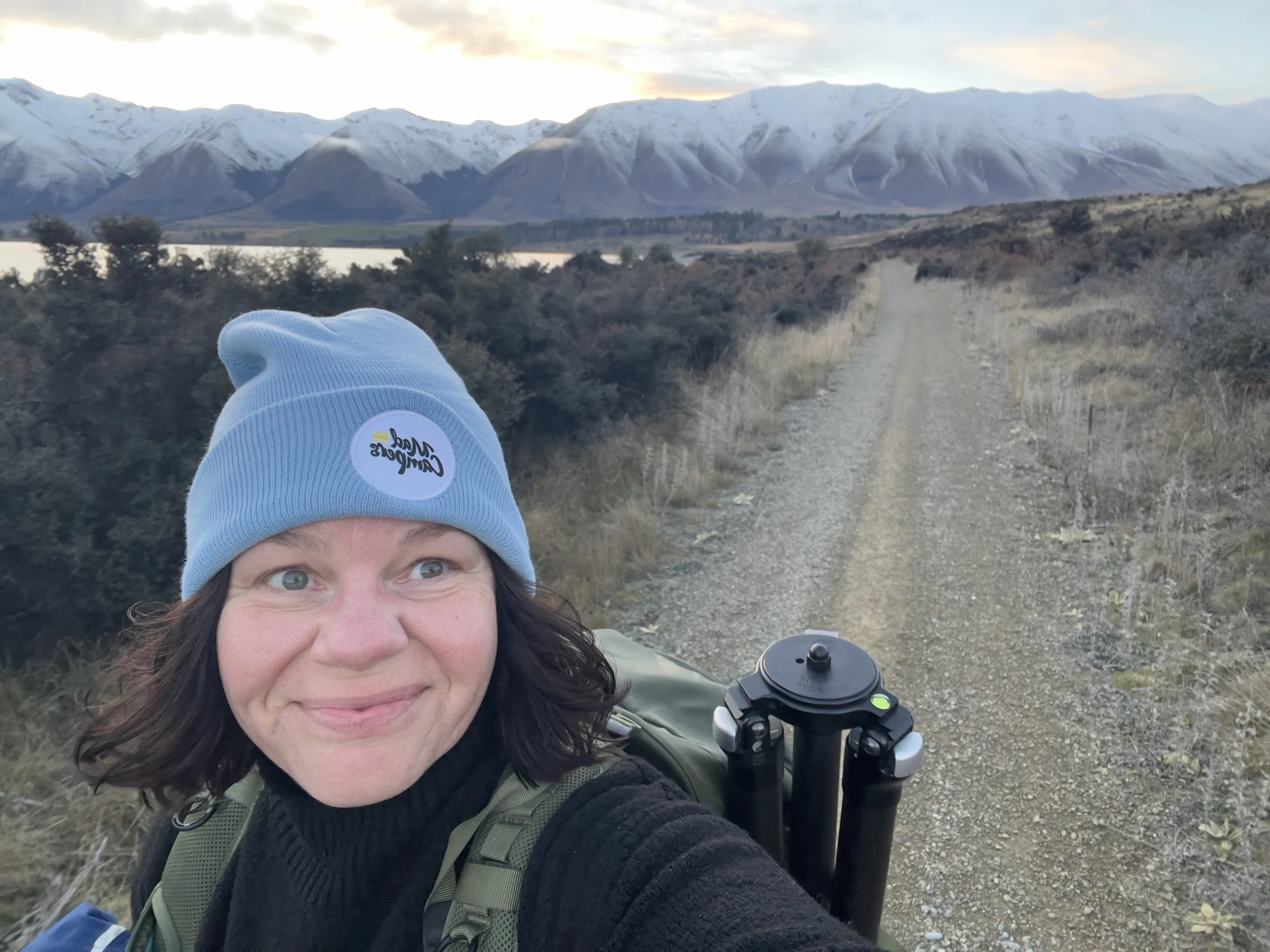
I’m Erin Jacob, an award-winning New Zealand landscape photographer. I lead small-group workshops and create editing resources that get to the point. My job is to help you capture a strong image in the field, then shape it in post without overdoing it.
Lightroom’s Masking panel is powerful, but most guides jump straight to the sliders. I wrote this to give you a simple process you can trust. You’ll see where to start, how to combine tools, and how to keep edits looking natural. The aim is fewer guess-and-check moves and more deliberate adjustments.